Acknowledgment and problems found

This topic is closed (tagged ).
20 days ago

obrázok.png
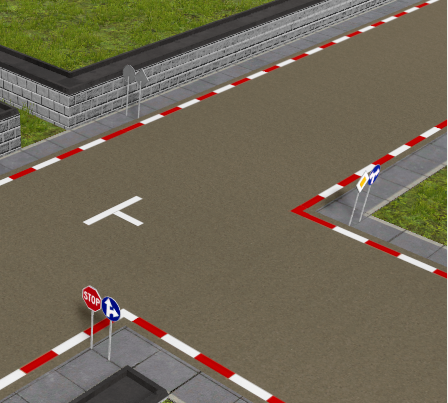
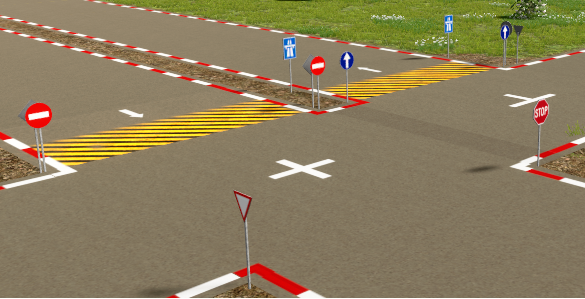
Graphically perfect. The traffic signs are great. 👍😍🏆
After loading the game, the traffic signs rotate according to their own. This should not happen.
obrázok.png
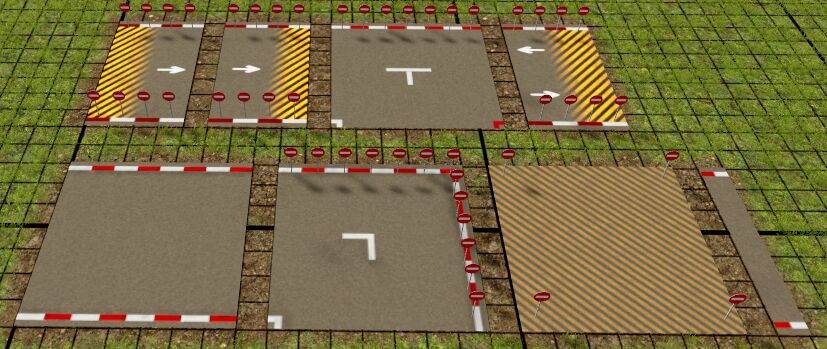
But there is a small catch. Traffic signs can only be placed on hatched areas and on the edge of a T-intersection.
obrázok.png
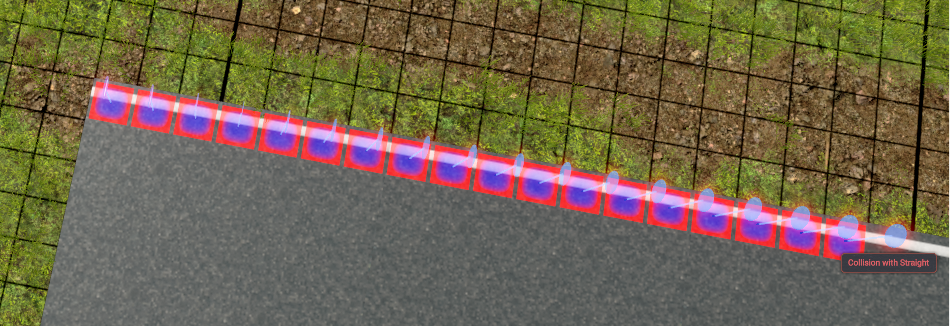
It would be good if traffic signs could be placed in green areas - those are areas with a line. Do not allow traffic signs in red areas. I've already put something similar. I guess we misunderstood each other. That happens. This would make this mod a top, in my opinion.
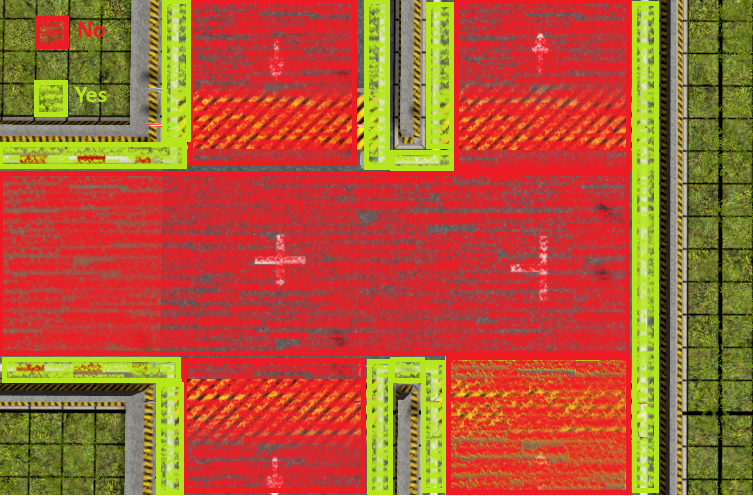
obrázok.png
Hopefully you can solve it.
PS: Look more in the forum - Wheel, mill wheel :)

Edited 20 days ago
19 days ago

HMM, y can't control placement of those, you can even place them inside a building, just don't do it!!!

Think about im moving the design, not the tile, the origin tile will be always, the one where you placed down the sign.

Y will check that rotation issue.

Whats about those red and white lines border? Im think about to make them white too.

19 days ago

Mavitto wrote:

HMM, y can't control placement of those, you can even place them inside a building, just don't do it!!!

Think about im moving the design, not the tile, the origin tile will be always, the one where you placed down the sign.

Y will check that rotation issue.

Whats about those red and white lines border? Im think about to make them white too.

I would go with yellow, but it's up to you. It matches the surface better.
obrázok.png
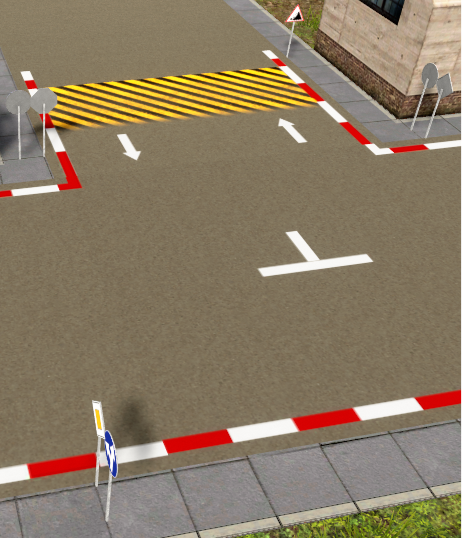
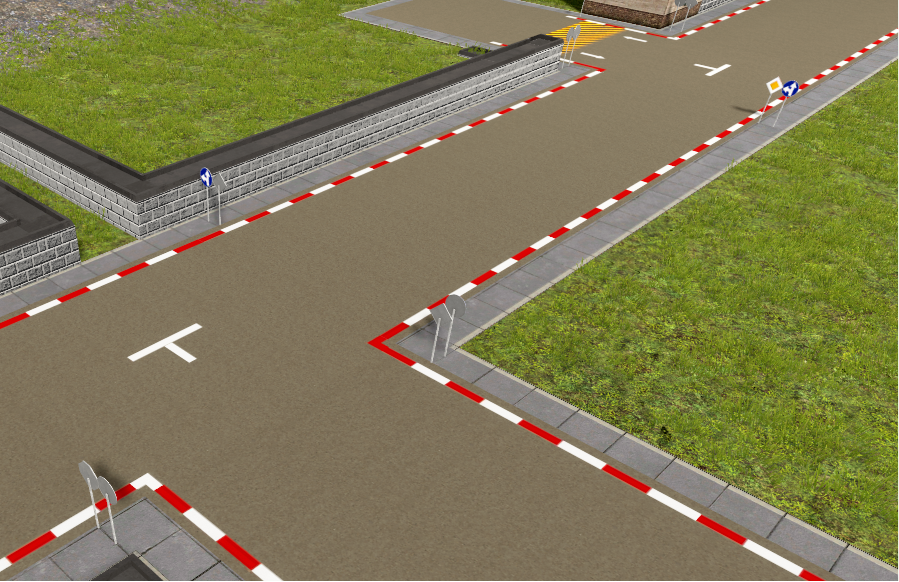
As you can see in the picture, traffic signs cannot be placed on the side of the road. Nor in buildings. I wouldn't even put them there. :)
They can only be placed where they are in the picture.
obrázok.png
If it would be a problem, I would put signs next to the road.
obrázok.png
Good luck in solving this problem.

18 days ago

This is why i've made the posibility to move them once placed. The sign can't occupy a allready occupied tile by something else.

18 days ago

What's wrong with the rotation of the signs? Their rotation is working as supposed, and their direction is saved correctly.

18 days ago

Mavitto wrote:

What's wrong with the rotation of the signs? Their rotation is working as supposed, and their direction is saved correctly.

Well, look at the two pictures above and it will be clear that it should be left to the player. And if he places them incorrectly, he will fix it himself.

18 days ago

Y still don't get it, hmmmm, you can "flip" the signs, but ensure the sign if facing into the correct directión, cuz the game
"saves" your last flip, when you put a new sign, it will re-apply the flip again. "F" Key!

16 days ago

Hello, once again with pictures:
The first image shows the traffic signs set up. The game is saved and ended.
obrázok.png
After starting the game and loading the saved position, it will display this.
obrázok.png
The road signs are rotated differently than they were set and saved. Please take a look at this.
obrázok.png
This is how they were set and saved.

Edited 16 days ago
16 days ago

ok, y will check it. this is strange because in my safe they are correctly rotated.

Thanks for your replies and support.

16 days ago

I tested in sandbox mode and only your mods:
BeTTerLife: Roads and Signs
BeTTerLife: Retaining Walls
BeTTerLife: Transports
BeTTerLife: Assemblies
BeTTerLife: Buildings

Set and saved.
obrázok.png
After starting the game and loading the saved position.
obrázok.png
To be sure of the possible influence of another mod.

16 days ago

After saving and reloading, the road signs were as they were set. Then I quit the game and restarted it. The road signs were as I set them. It must be some kind of dynamic error.

16 days ago

No, no other mod can influence in this case, those models are custom assets, not generic.

14 days ago

Y was suspecting, maybe it has something with the rotation of the object itself, since im rotating the model, not the object.

But y always get the same result, the rotation shows correctly.

170 Showing 113 of 13
Log in to reply.