- After the last update, when using the E key, it reports as shown in the image.
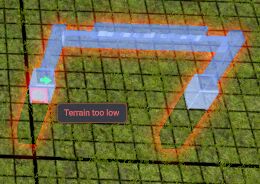
- When creating a blueprint, it does not save the settings.
- Not even when copying.
Vladovlak
Joined April 2024
1 month ago
 😁👍
😁👍1 month ago
Try the mod [CxU.Tweaks.Storage] by ComplexUnit
It works without conflicting with other mods.
1 month ago
quoted post:
quoted post:
Where can I find the aforementioned Keybind Framework mod?
Was a miss to include that changelog info it is not released yet so just ignore it. Wont affect you since the mod is not out yet. =)
Ok 😁
1 month ago
Where can I find the aforementioned Keybind Framework mod?
1 month ago
That's what I did. I'm not a programmer, so I don't know the background of the game engine.
For now, I'm just testing mods. Some are compatible and some aren't. I'm sending my findings to the mod authors. How they handle them is up to them. Thanks for the explanation. I just don't like that the mods are listed alphabetically. That's a very inappropriate method. In other games, the order of mods …
1 month ago
 \
\
-
- Adjust the gate so that the bottom matches the texture of both sets of roads.\
-
- Add the option of an animated ramp, as shown in the picture at the railway crossing.\
-
- Add the option to select a font with pictograms. Because the text range is limited. The entire longer text …
1 month ago
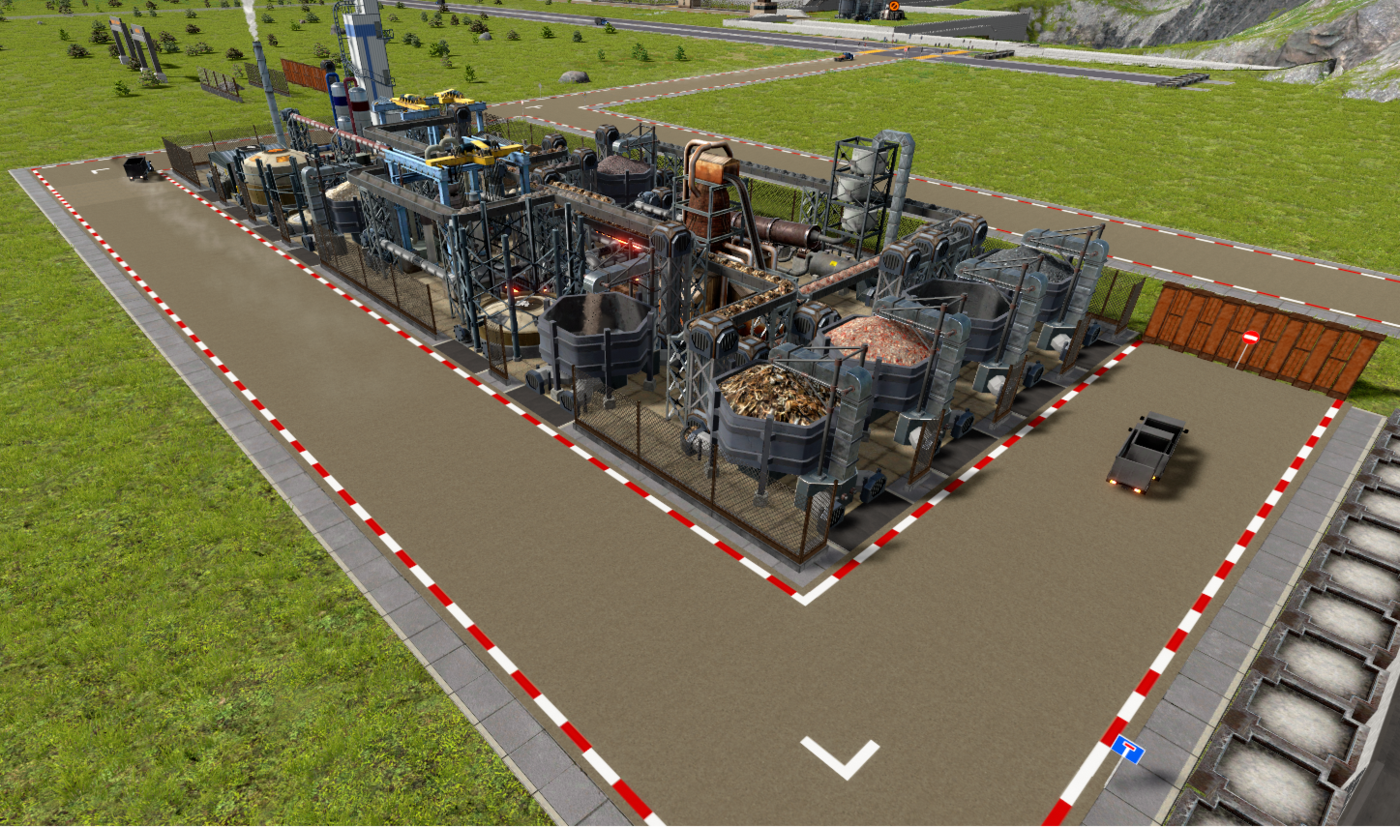
It looks great now. These two mods of yours, "Roads and Markers" and "Walls", complement each other perfectly.
2 months ago
Thanks for the info. The idea that it could be integrated directly into the game is a good one. Hopefully the guys from Mafi will like it.
2 months ago
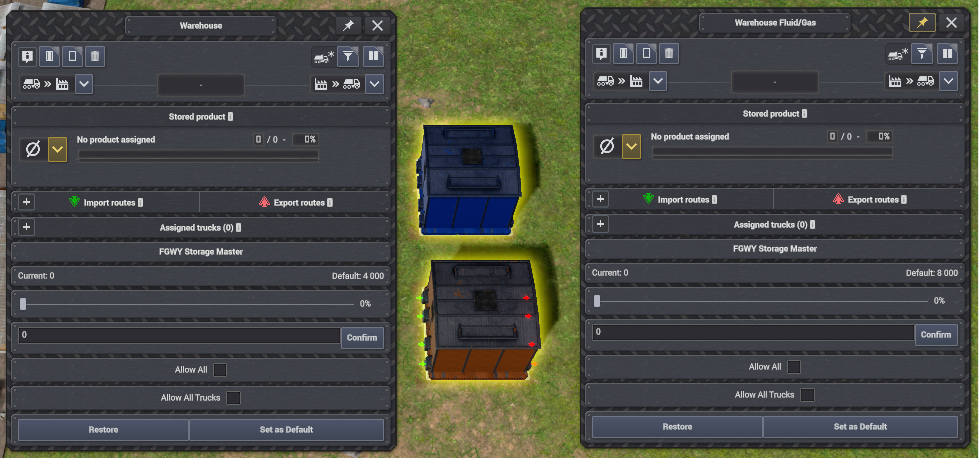
When using your FGWY Storage mod, there is a conflict with the Gameplay++ mod by Moriarty. The images make it clear what is going on.
Without your mod:

With your mod:
2 months ago
After saving and reloading, the road signs were as they were set. Then I quit the game and restarted it. The road signs were as I set them. It must be some kind of dynamic error.
2 months ago
I tested in sandbox mode and only your mods:
BeTTerLife: Roads and Signs
BeTTerLife: Retaining Walls
BeTTerLife: Transports
BeTTerLife: Assemblies
BeTTerLife: Buildings
Set and saved.
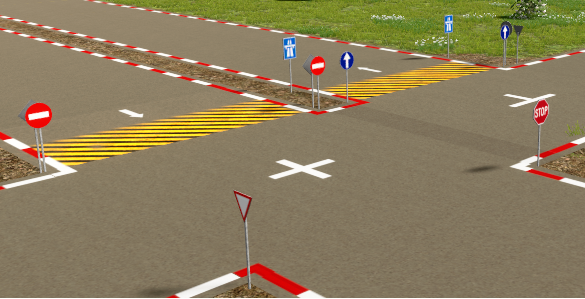
After starting the game and loading the saved position.

After starting the game and loading the saved position, it will display this.

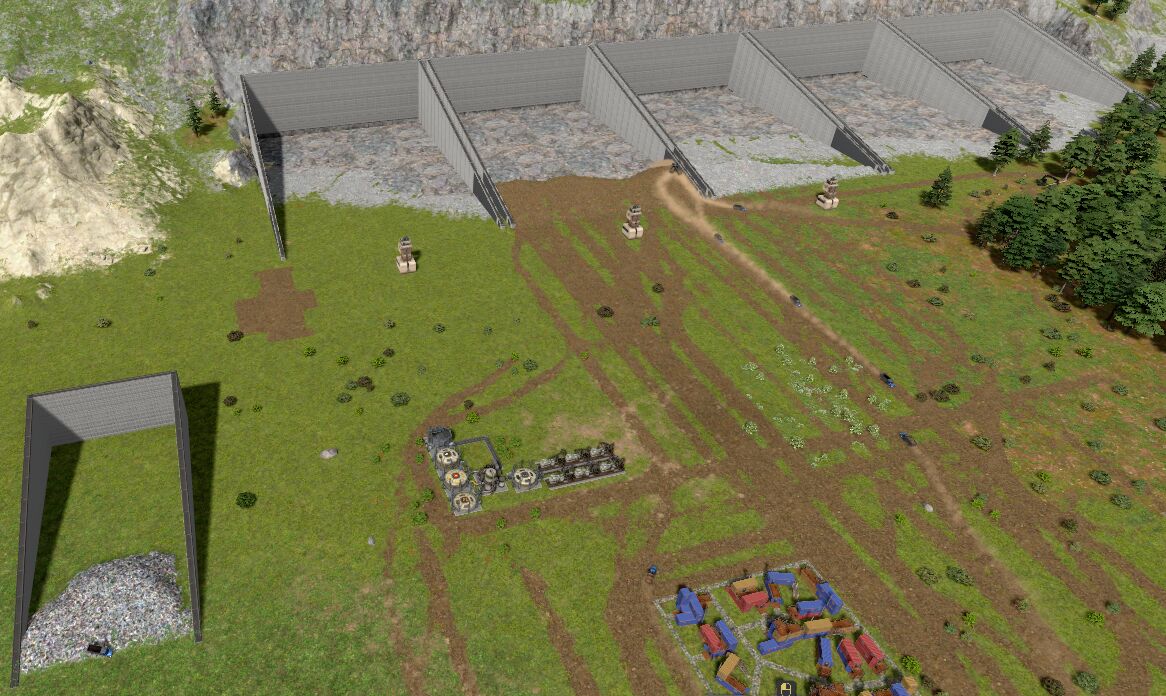
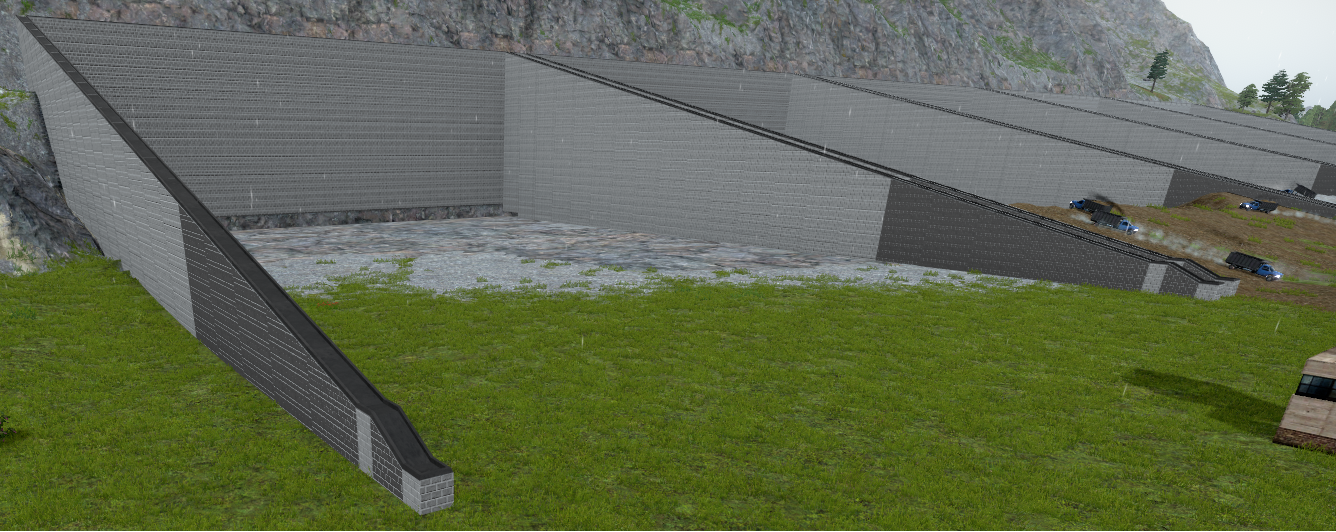
 With CxU.Tweaks.Storage by ComplexUnit mod.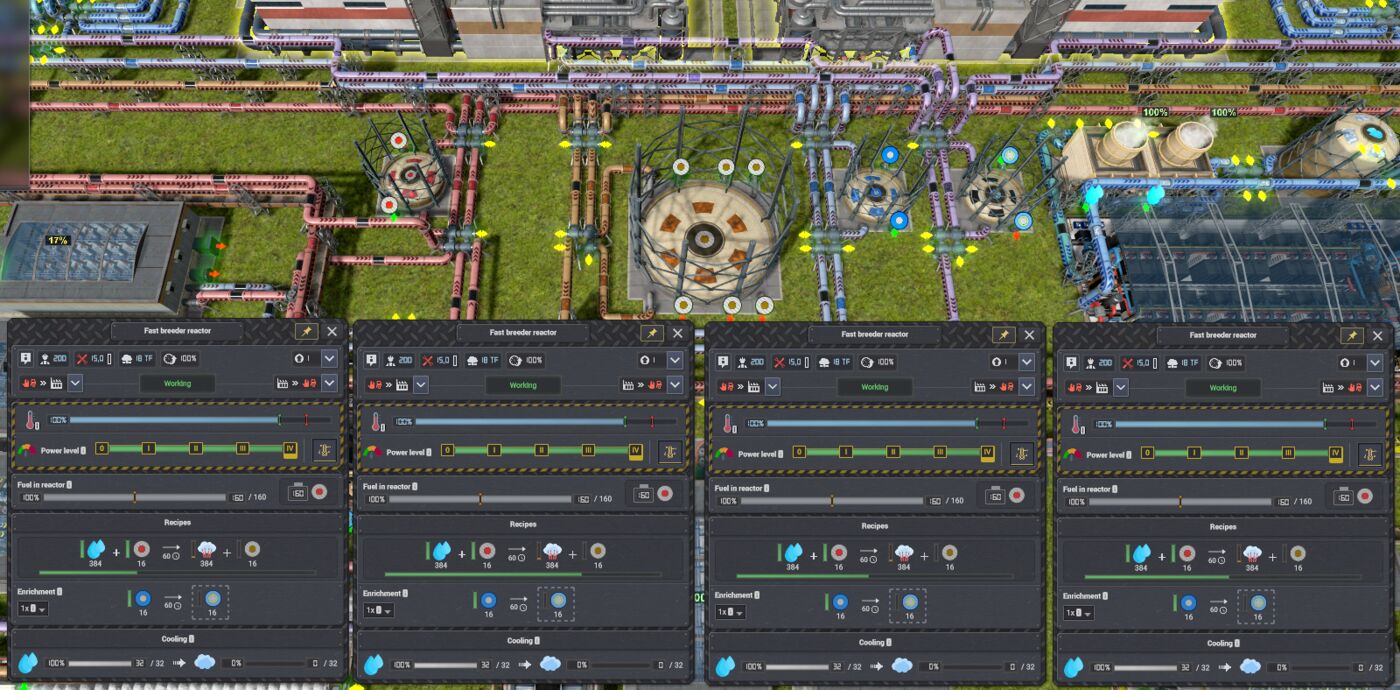
2 months ago
quoted post:
quoted post:
Hello, I mean, for example, if it is allowed to store fumes in the liquid and gas warehouse, so that the relevant trucks can transport them between warehouses. Only between warehouses. The same goes for other products that the base game does not allow to be stored. Transport of such permitted products by the relevant trucks only between warehou…
2 months ago
Hello, I mean, for example, if it is allowed to store fumes in the liquid and gas warehouse, so that the relevant trucks can transport them between warehouses. Only between warehouses. The same goes for other products that the base game does not allow to be stored. Transport of such permitted products by the relevant trucks only between warehouses.
Showing
161–180 of
242